A while back my sister-in-law texted me, “I have the best idea, wouldn’t it be awesome if people could save your recipes and an app would automatically create a grocery list for you?”
Yes it would.
Meet ZipList, that does exactly that! With one click you can generate a shopping list for any Carlsbad Cravings recipe or any recipe on the web. Or, with one click , you can save the recipe for later, to your personal, virtual Recipe Box – no more losing or hunting for recipes! When you are ready to meal plan, choose what recipes you want to make from your Recipe Box and a grocery list will generate for you. Pretty awesome, huh?!
Let me walk you through how to do it:
If you are new to ZipList, you will first want to create an account. Simply go to “Recipe Box” on the top menu bar. This is where all your recipes will be saved. You can log in with your Facebook or create a new username and password.

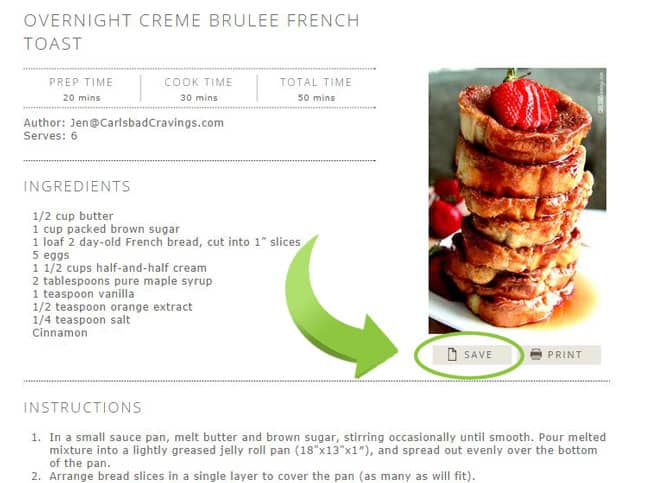
To save a recipe, simply scroll down to the bottom of the post to the recipe and click “SAVE”
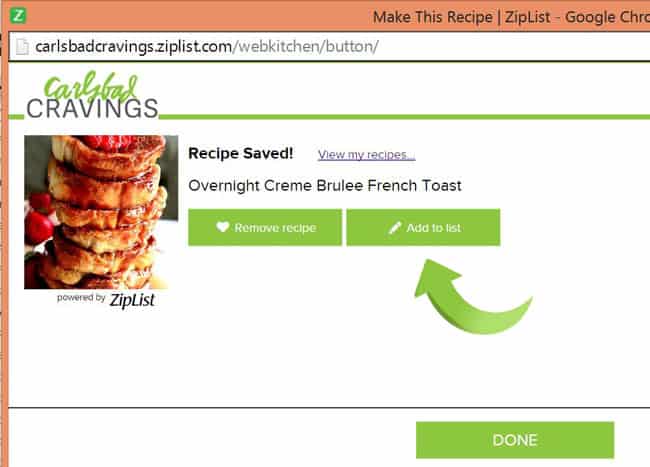
A window will pop up confirming your recipe has been saved in your personal Recipe Box for future use. From here you can click “Done,” or if you want to add the ingredients to your grocery list right away, click “Add to List.”
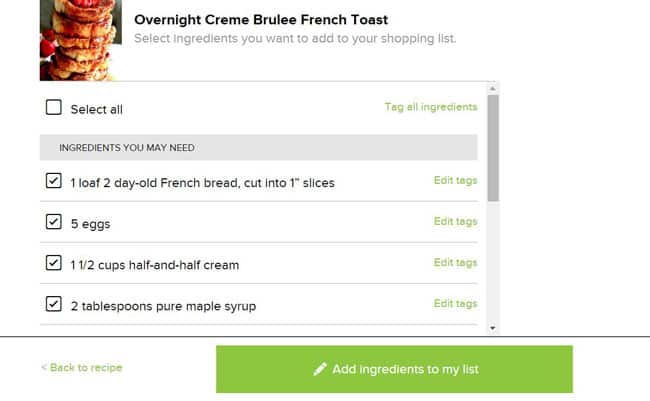
After you click “Add to List,” a grocery list of all the ingredients in the recipe will automatically generate. You can either “Select All” for all of the ingredients to be added to your grocery list, or click the box of the specific items you want added.
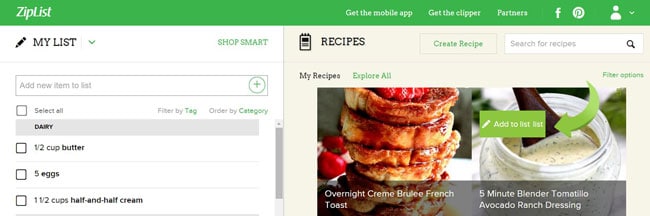
To add ingredients from other recipes to your grocery list, go to your Recipe Box and click on “Recipes,” to see all the recipes you have saved. Hover over the desired recipe and click the button “Add to List” that pops up.
Once your grocery list is complete, you can either Print or Share, or work off your mobile App as you shop. Ziplist’s free, super convenient mobile app synchronizes with your web grocery list so you can check off the ingredients as you shop. LOVE THIS! No more missing ingredients!
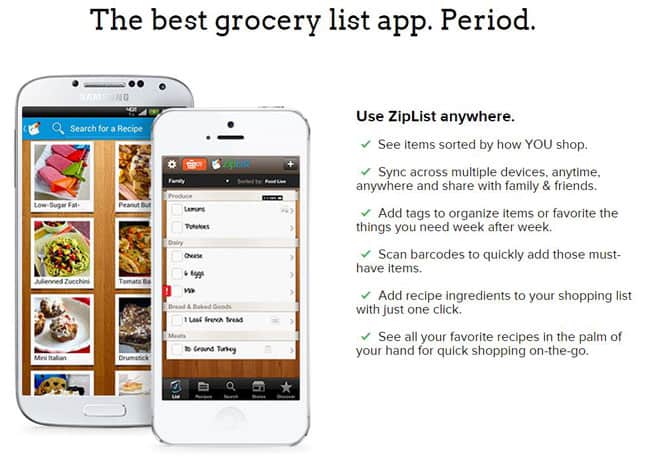
You can get the mobile app at the top of your ZipList toolbar in your Recipe Box.
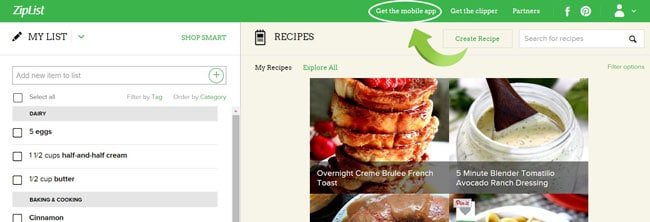
This toolbar is also where you can get the ZipList’s Recipe Clipper that you drag and drop into your browser toolbar which allows you to save recipes from all over the web to your Recipe Box.

I hope you take advantage of ZipList to simply and organize your life as you save all your favorite recipes in one convenient place, create shopping lists with with a couple clicks, meal plan from your saved recipes and check out grocery deals in your area.
If you want to play around with ZipList, here are my top 5 recipes based on you, that you can go and click “SAVE” on! – you have very good taste!
1. Toffee Pecan Caramel Pound Cake

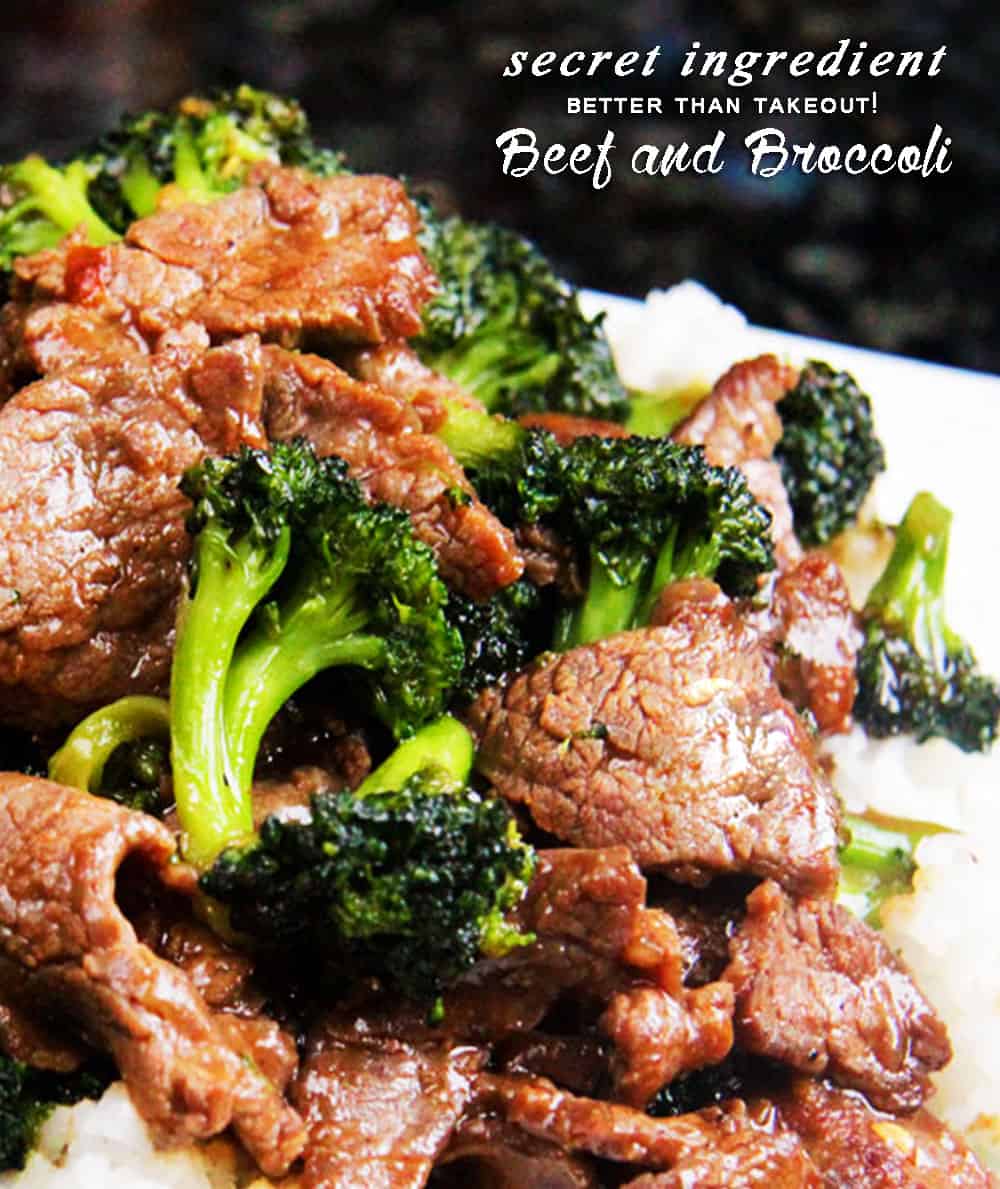
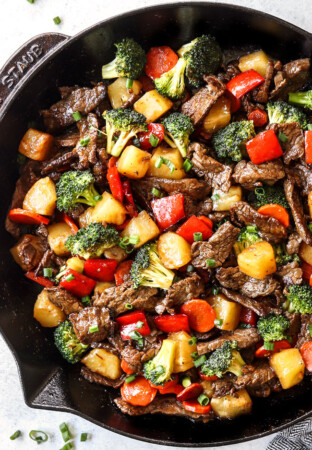
2. Better Than Takeout Secret Ingredient Beef and Broccoli
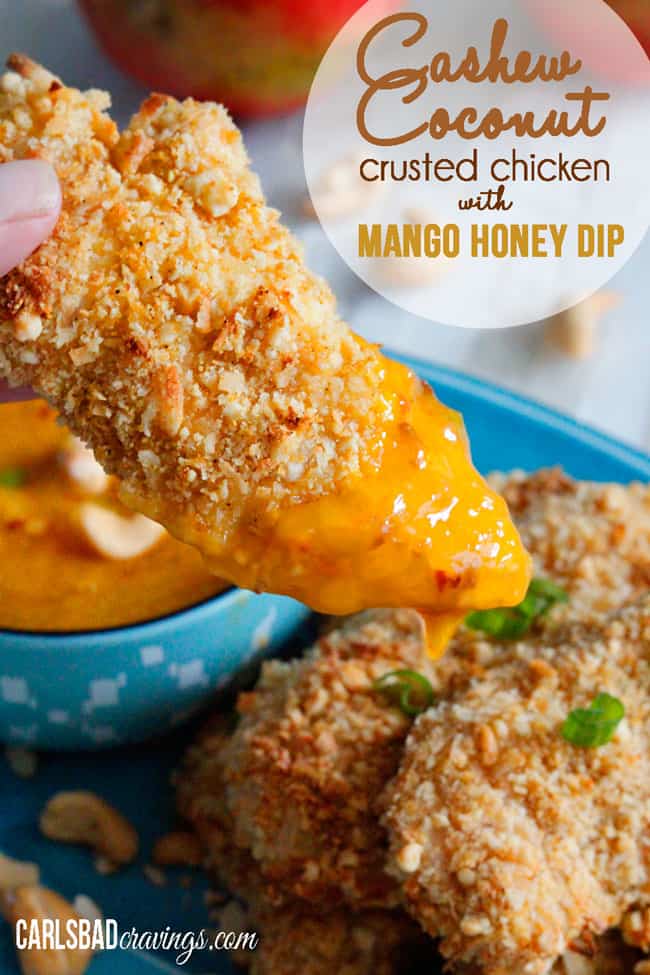
3. Cashew Coconut Crusted Chicken with Mango Honey Dip
4. Salsa Verde Honey Lime Chicken Enchiladas
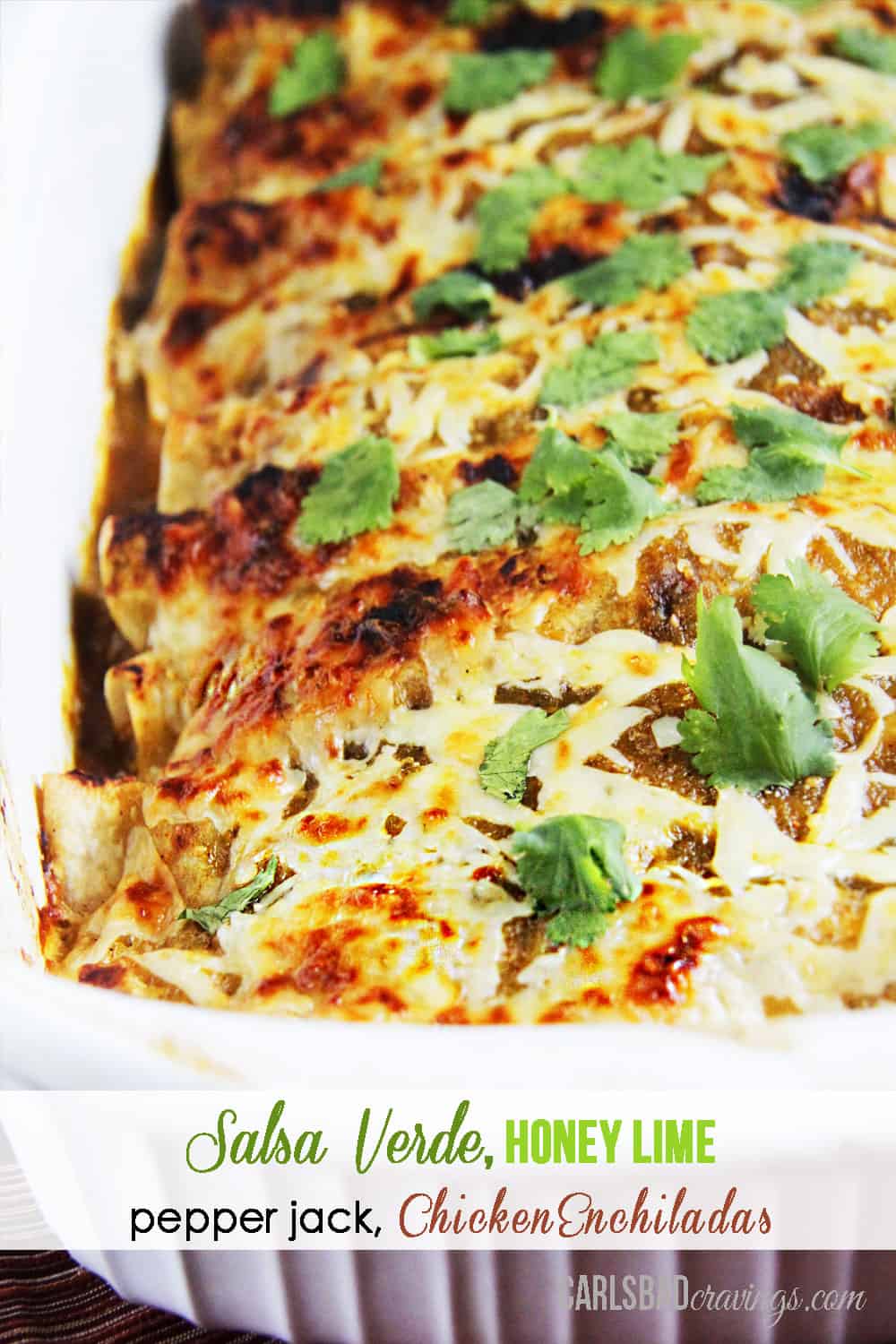
5. Baked Sweet Sweet and Sour Chicken, Pineapple, Carrots and Peppers





Sophia @ NY Foodgasm says
Damn girl you already got ziplist! You are gonna be making money in no time! Wish I was there. But we all have a different road.